

Armbian
What is Armbian?
Armbian is a base operating system platform for single board computers.
- comes in desktop, minimal or server variant,
- has clean and highly optimized user space,
- is Ubuntu and Debian compatible,
- is supported with vibrant community,
- comes with a powerful SDK which allows reproduction and customization,
- supports many 3rd party wireless drivers with advanced functionalities,
- supports Docker, disk encryption, Wireguard VPN any many other features.
Recommended hardware
openHAB will run on any Armbian supported hardware but it is recommended to choose boards that have at least:
- 512 MB of memory (on minimal or server image)
- eMMC or a quality SD card
- 4 core
- wired networking
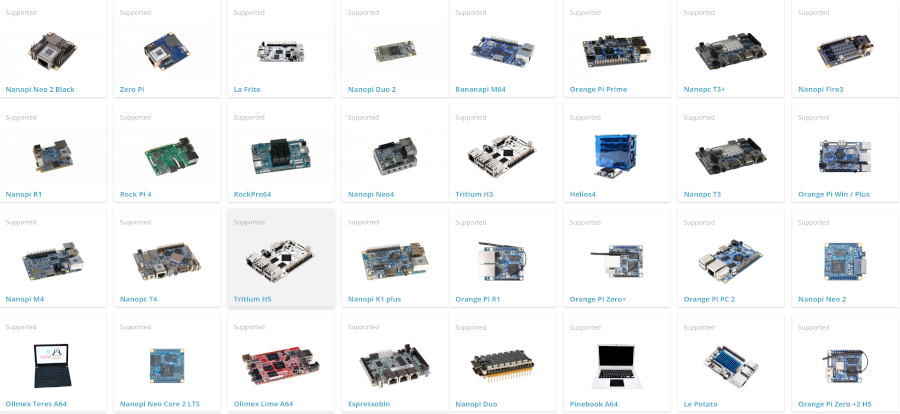
Supported images
You can download and use server, desktop or minimal. If you choose a minimal image, you need to install armbian-config first.
Setup
First Steps:
Prepare Armbian as usual - login as root / 1234, change root password, create username. You don't need to perform any other steps.
Update
sudo apt-get update
sudo apt-get upgrade- Run armbian-config
sudo armbian-config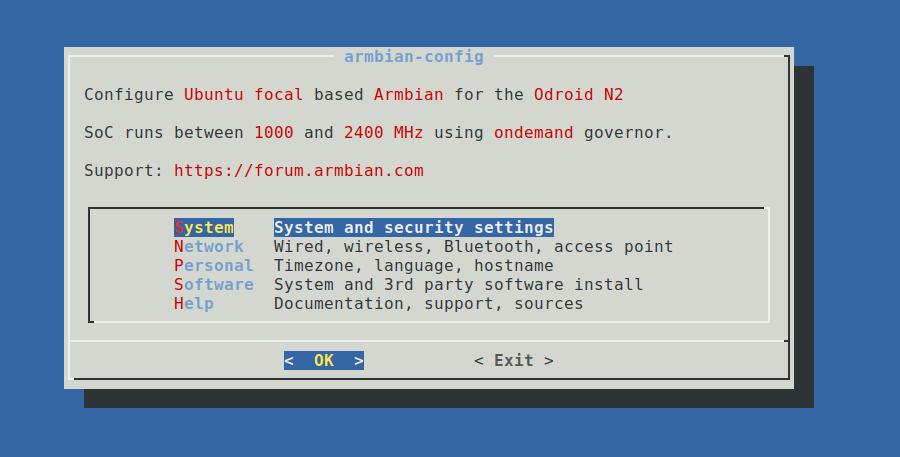
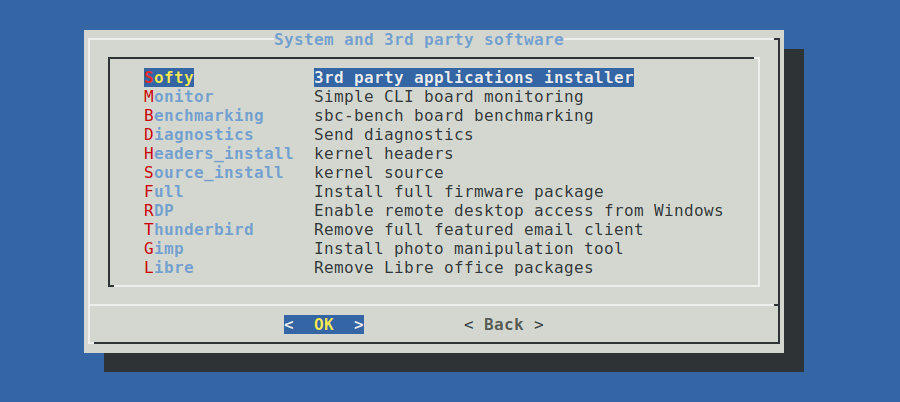
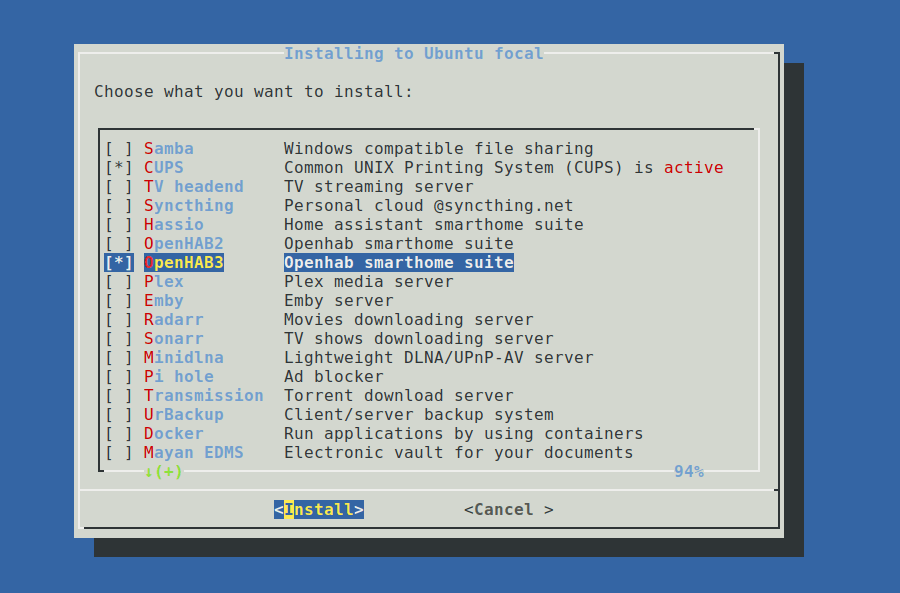
Select OpenHAB2 (old version) or OpenHAB3 with SPACE and press ENTER
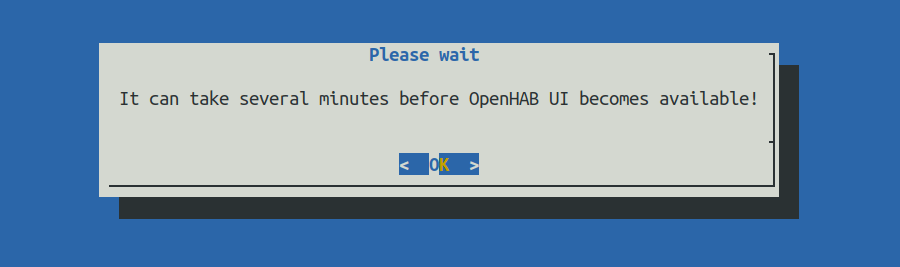
Wait 5 to 10 minutes depending on your hardware. During this time you can leave armbian-config and check if installation was successful by checking what openhab is doing on the system:
sudo htop -u openhab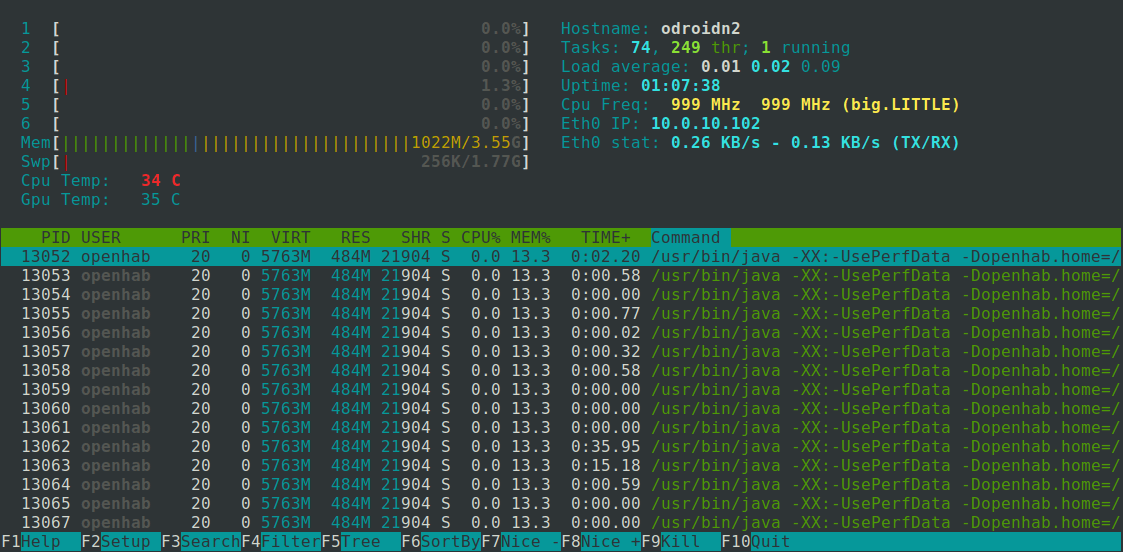
If you don't see any openhab activities, something went wrong.
Help
The very active openHAB Community Forum provides many more details and hints. If you run into any problems, use the search function or open a new thread with your detailed question.
In case you run into a problem that is board hardware related, please use the Armbian Community forums or Armbian bug reporting form.